Import your own source
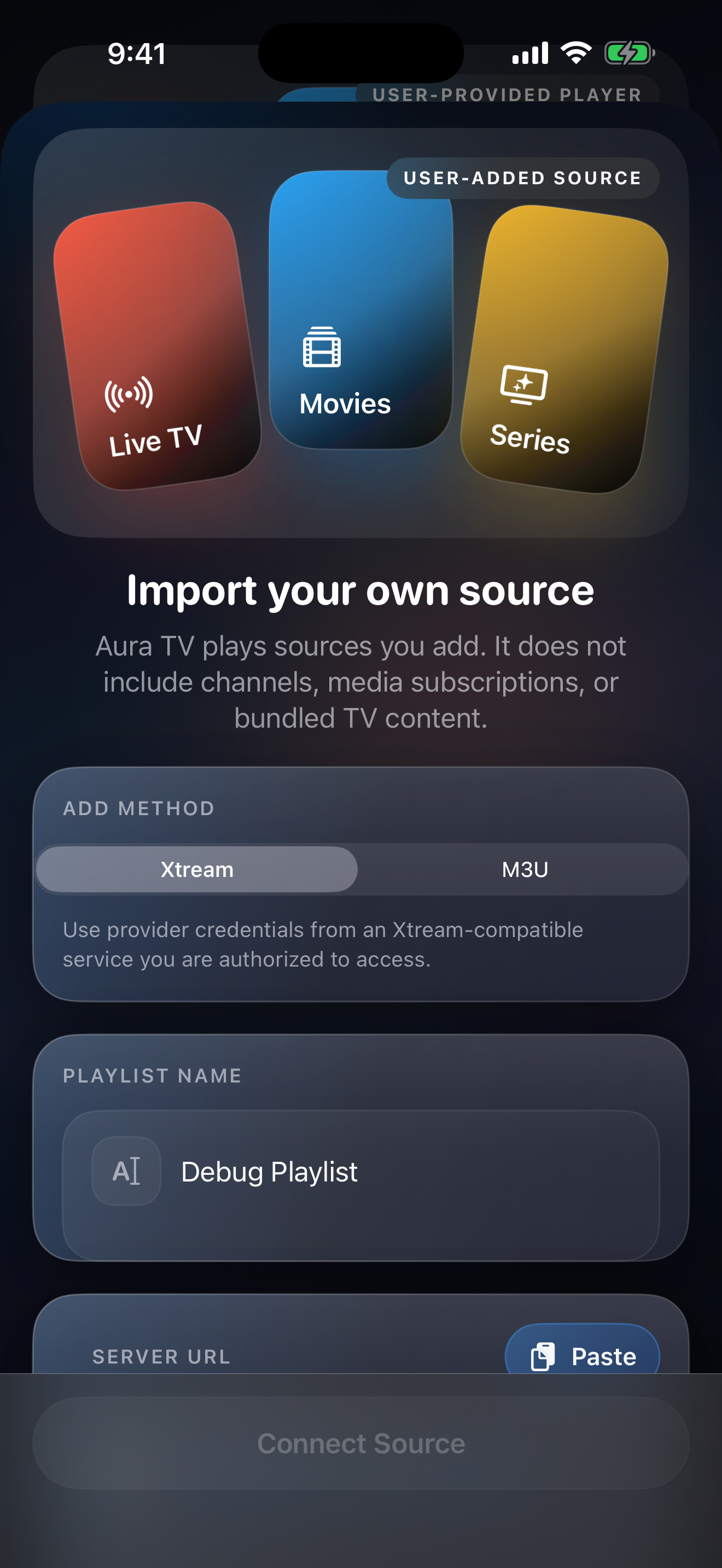
Add an M3U playlist URL, an M3U file, or Xtream-compatible credentials from a source you are authorized to use.

Aura TV helps organize the M3U playlists, Xtream-compatible credentials, and EPG/XMLTV guide data you already use on iPhone, iPad, Apple TV, Android phone/tablet, Android TV, and Google TV. Import your source and keep the player focused on your setup.
Aura TV does not include channels, playlists, media catalogs, broadcaster accounts, sports packages, movies, or content access. Users are responsible for the sources, guide feeds, artwork, and media they choose to add.
Aura TV focuses on organization, playback, support, and platform commerce restore paths for sources you already control. It is designed as a player, not as a broadcaster or catalog service.
Add an M3U playlist URL, an M3U file, or Xtream-compatible credentials from a source you are authorized to use.
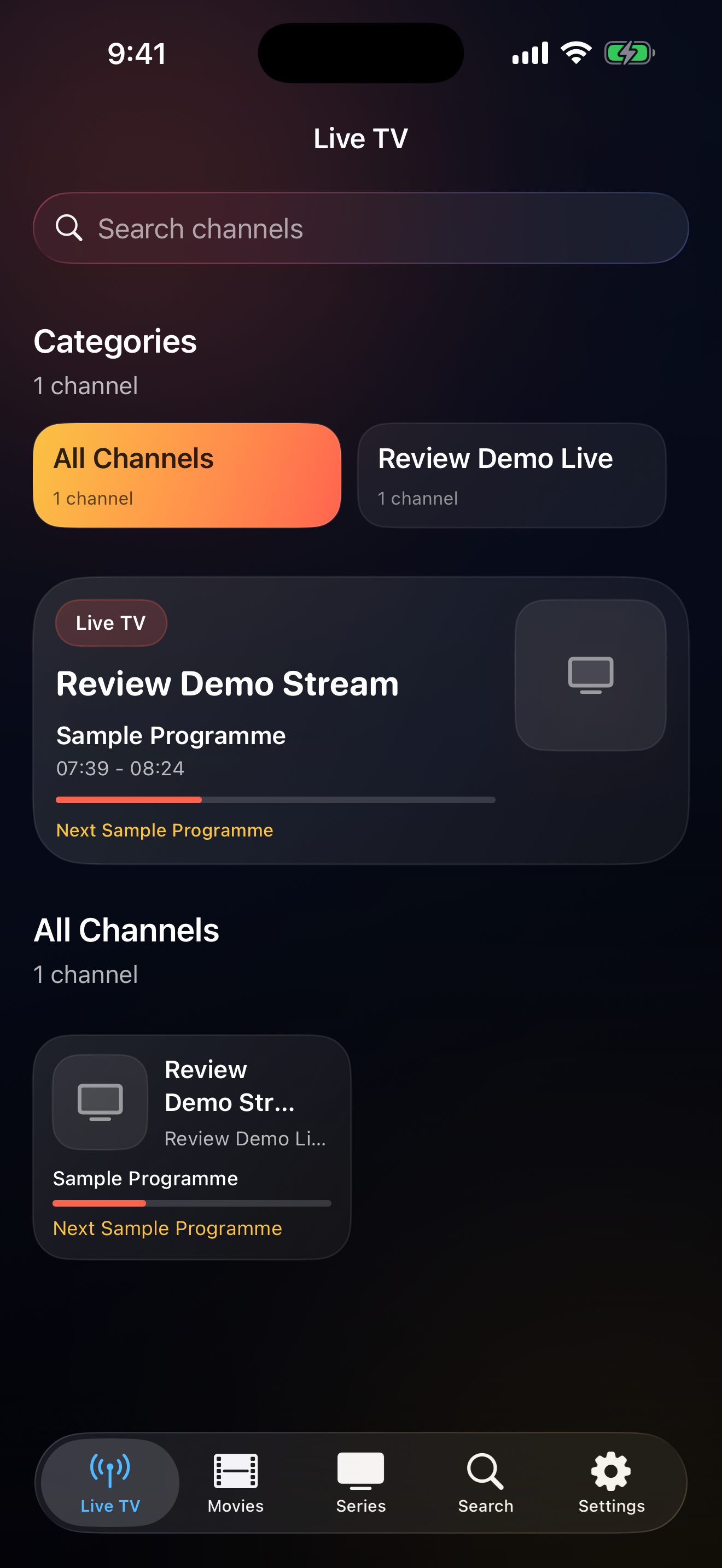
When your playlist includes EPG or XMLTV data, Aura TV surfaces now playing, upcoming schedule context, and library browsing tools.
Favorites, watch history, and preferences are stored on device, with platform sync where the shipping platform supports it.
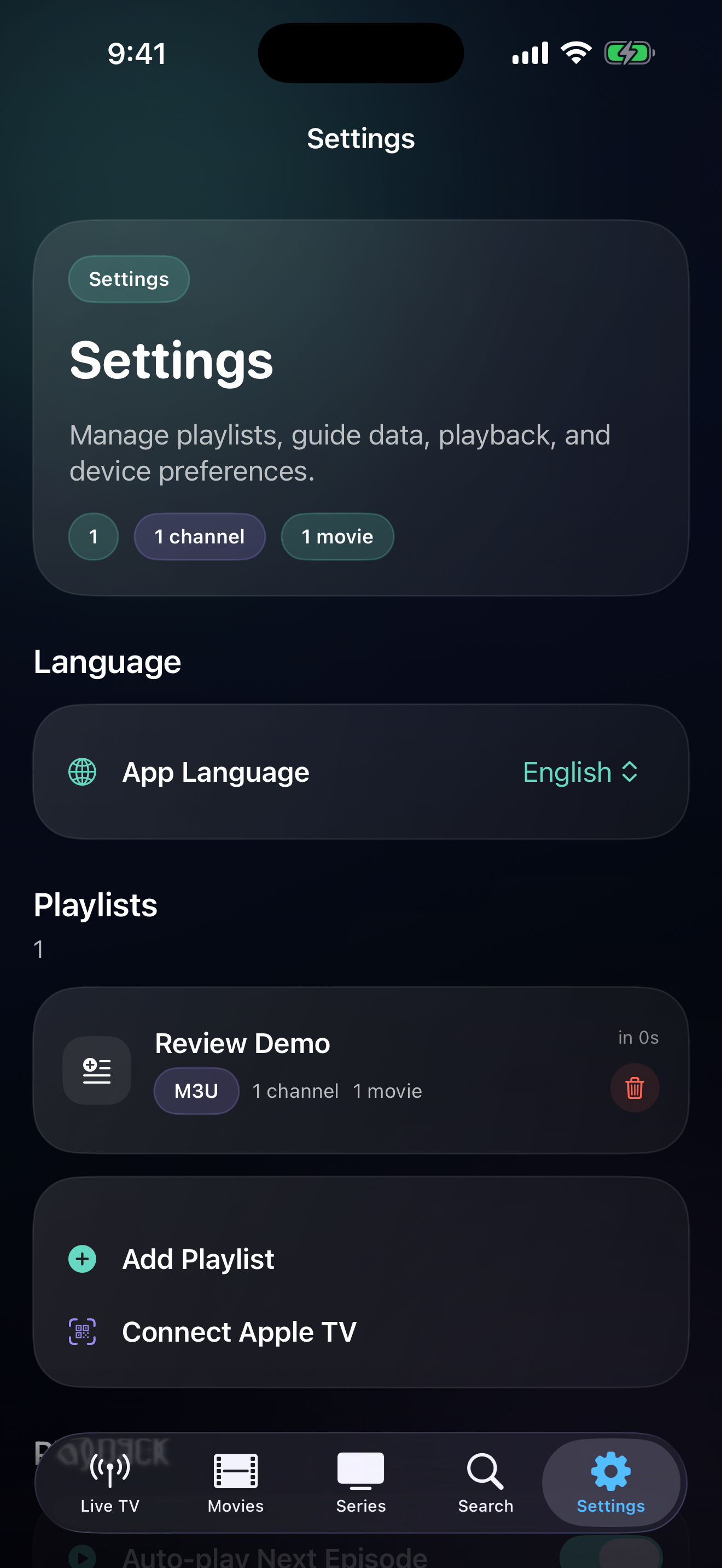
Settings keeps report-a-problem, request-support, restore, terms, and privacy paths available across supported platforms.
Actual app UI for importing your source, browsing a live guide, and managing player settings. No catalog theater, no mysterious content promises.
The same answers here are reflected in the App Store copy and review notes so the public story stays consistent.
No. Aura TV is a player. It only opens playlists, credentials, and guide data that the user adds from sources they control.
M3U playlist URLs, M3U files, Xtream-compatible credentials, and guide data such as XMLTV or EPG when the source provides it.
No. Aura TV opens sources the user adds. It does not sell, unlock, or bundle channels, playlists, catalogs, sports, movies, or broadcaster accounts.
Sensitive setup details use secure local on-device storage where the platform provides it. Other library data is stored locally and may use platform sync where available.
Blog and support pages explain the important bits: playlists, credentials, guide data, platform billing, restore, and the fact that a player is not a channel provider.
A short field guide to playlists, credentials, EPG files, and not confusing a player with a provider.
Blog index IPTV player setup notes for M3U, Xtream, and EPGCrawlable setup guidance for user-provided sources and player-only Aura TV behavior.
Support Import, playback, sync, and restoreSupport guidance for source imports, EPG, playback, platform storage, and Apple or Google-managed billing.
Use the links below for support, privacy, and terms. These are the public URLs intended for app store review surfaces.
Questions, troubleshooting, App Review follow-up, and policy requests for Aura TV by Eliran Mesika can be sent to auratv@mesikalabs.com.
Read how Aura TV handles playlist data, platform storage, network requests, billing, and user responsibility.